
Shopify Billing
Understand how Cool Popup billing works for Shopify merchants through Shopify's managed pricing system.
How Shopify billing works
When you install Cool Popup from the Shopify App Store, billing is handled through Shopify Managed Pricing instead of Cool Popup's standard payment processors (Stripe, PayPal, etc.). This means:
- Charges appear on your regular Shopify invoice
- You manage your subscription through Shopify's billing system
- No separate credit card entry is required in Cool Popup
Subscribing to a plan
Choose a plan
From the Cool Popup dashboard, navigate to Account → Plan. Shopify merchants see a dedicated plan selection page with a Shopify badge indicating that billing goes through Shopify.
Select a plan and billing frequency (monthly or annual).
Approve on Shopify
You'll be redirected to Shopify to review and approve the charge. Once approved, Shopify processes the payment and activates your plan in Cool Popup.
Viewing your subscription
Navigate to Account → Plan to see your current subscription status:
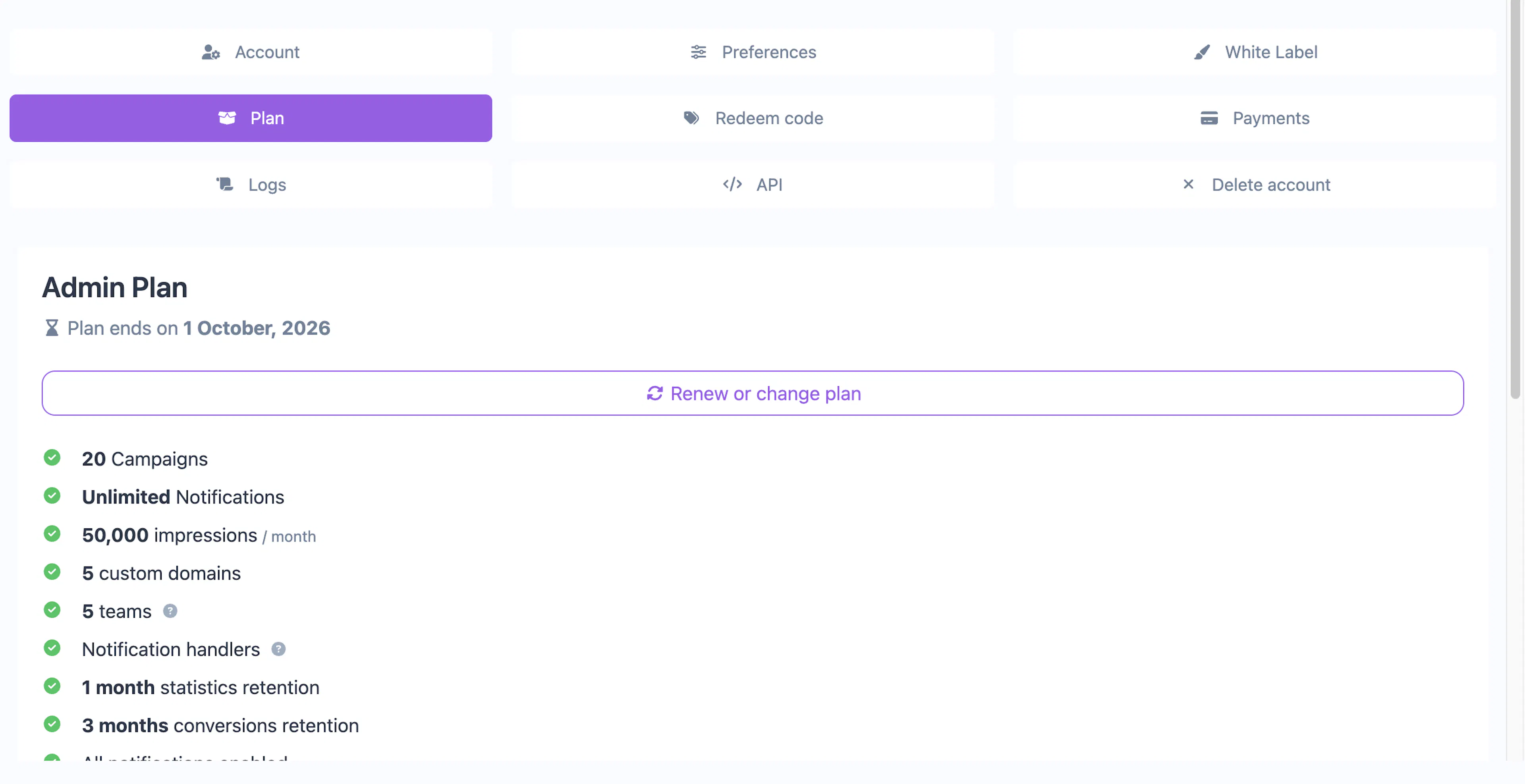
| Field | Description |
|---|---|
| Plan name | The plan you're subscribed to |
| Status | Active, trial, or inactive |
| Amount | Subscription price and billing frequency |
| Manage on Shopify | Link to manage the subscription directly in your Shopify admin |
Upgrading or downgrading
To change your plan, go to Account → Plan and select a different plan. You'll be redirected to Shopify to approve the new charge. Shopify handles prorating automatically.
Canceling
You can cancel your Cool Popup subscription from either:
- Cool Popup dashboard — Go to Account → Plan and click the Shopify management link
- Shopify admin — Go to Settings → Billing → Subscriptions and cancel the Cool Popup charge
After cancellation, your plan features remain active until the current billing period ends.
Payment history
Your payment history in Cool Popup (Account → Payments) shows Shopify-processed transactions. For detailed billing information, receipts, and payment methods, visit Settings → Billing in your Shopify admin.
If your Cool Popup account was originally set up with standard billing (Stripe, PayPal) and you later install the Shopify app, billing automatically switches to Shopify Managed Pricing when you select a plan through the Shopify flow.
Free plan
Shopify merchants can use Cool Popup's free plan without any charges. The free plan has the same feature limits as for non-Shopify users.