
Account Settings
Manage your profile, billing information, timezone, and notification preferences.
Accessing account settings
Navigate to Account → Settings to manage your account. The settings page has four tabs.
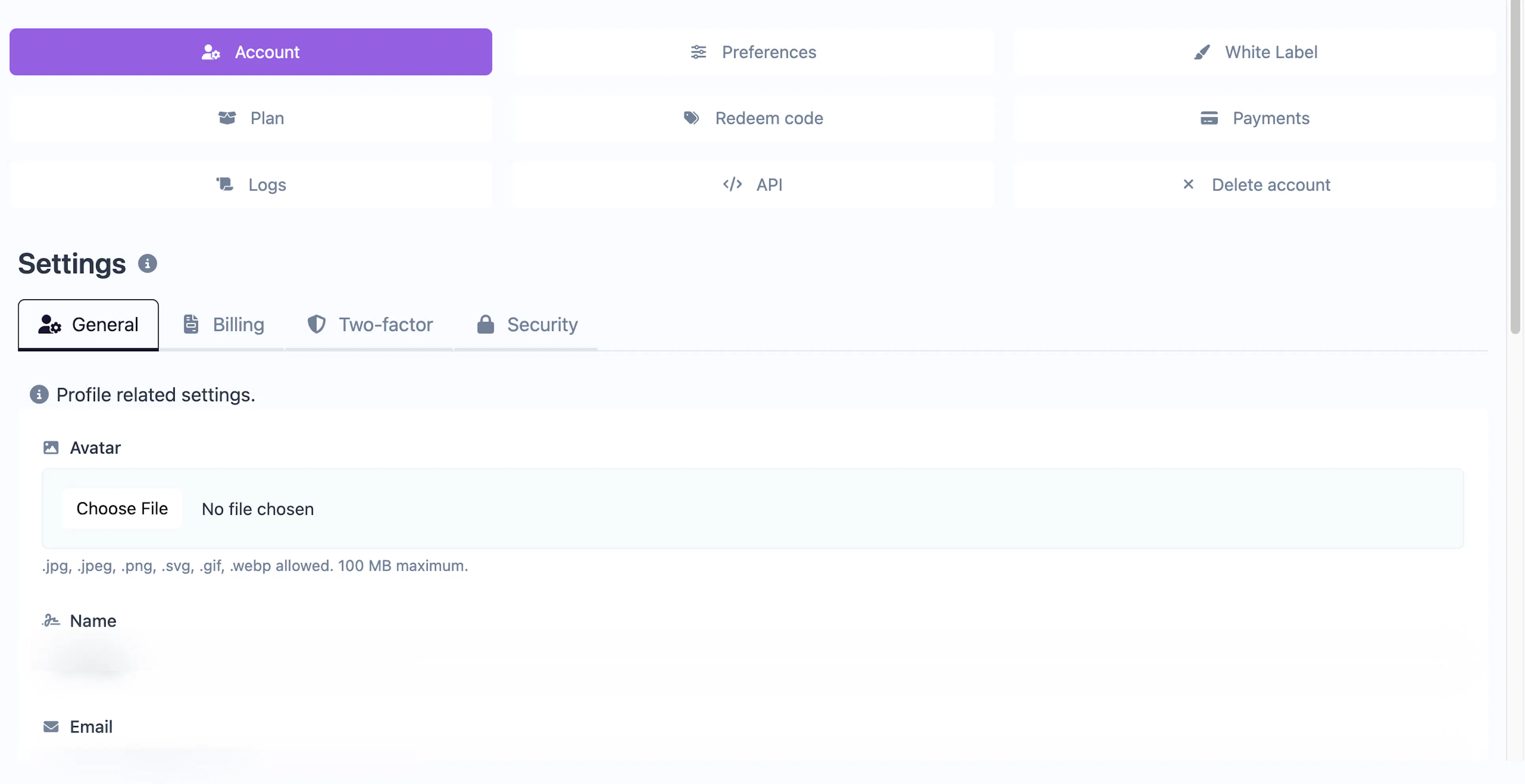
General
Your basic profile information:
| Setting | Description |
|---|---|
| Avatar | Upload a profile picture |
| Name | Your display name |
| Your login email address (changing this requires email verification) | |
| Timezone | Used for date/time display throughout the dashboard and in reports |
| Anti-phishing code | A secret word shown in Cool Popup emails so you can verify they're genuine |
| Newsletter | Opt in or out of product update emails |
Billing
Your billing details used on invoices and for tax calculations:
- Type — Personal or Business
- Name — Your name or company name
- Address, City, County/State, ZIP — Full address
- Country — Used for tax calculation
- Phone — Optional contact number
- Tax ID — For business accounts (shown on invoices)
Two-Factor Authentication (2FA)
See Security & 2FA for details on enabling TOTP-based two-factor authentication.
Security
Change your account password. You'll need to enter your current password and the new password twice to confirm.
Preferences
For display and tracking preferences, see the dedicated Account → Preferences page:
- List views — Default results per page, sort order, and default ordering for campaigns, notifications, domains, and handlers
- Tracking — Exclude specific IP addresses from statistics tracking
- Shopify — View and manage linked Shopify shops (visible only for Shopify-connected accounts)
Was this page helpful?