
Campaigns Overview
Campaigns are the top-level container for your notifications. Each campaign is tied to a website domain and holds one or more notification widgets.
What is a campaign?
A campaign represents a single website (domain) where you want to display Cool Popup notifications. It acts as a container — you create the campaign, add notifications to it, and install the campaign's pixel script on that site.
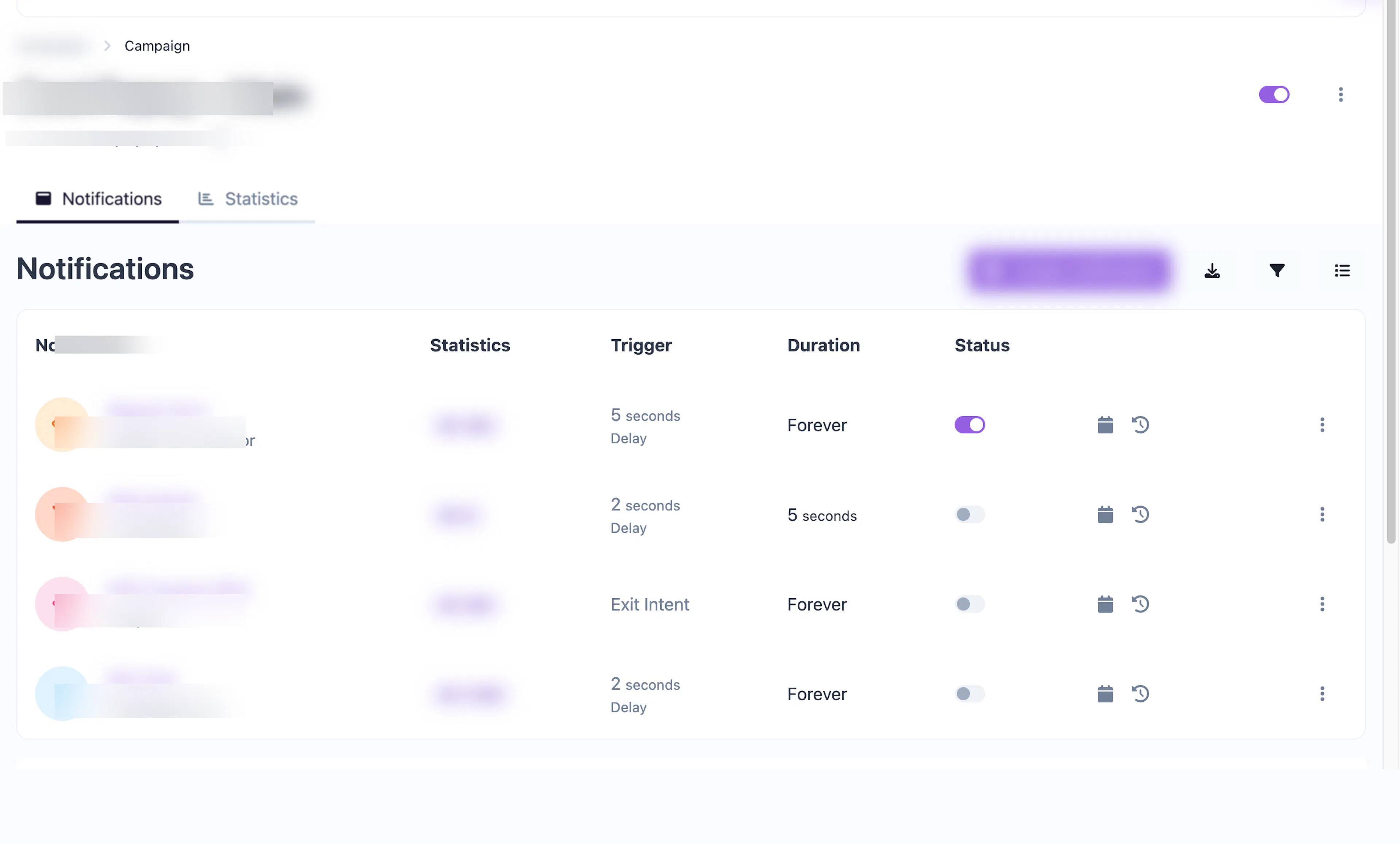
Your dashboard shows all campaigns at a glance with key metrics:
-
Notification count — How many notification widgets are active in the campaign
-
Enable toggle — Quickly turn all notifications on or off for the entire campaign
-
Domain — The website domain associated with the campaign
Managing campaigns
From the Campaigns page you can:
-
Search and filter — Find campaigns by name, filter by status (enabled/disabled) or domain, and sort by date or name.
-
Bulk actions — Select multiple campaigns and delete them in one operation.
-
Export — Download your campaign list as CSV or JSON.
-
Quick actions — Use the dropdown menu on each campaign to:
-
View the campaign detail page
-
Open campaign statistics
-
Edit campaign settings
-
Copy the pixel key
-
Configure custom branding
-
Duplicate the campaign
-
Delete the campaign
-
Campaign settings
Each campaign has these configurable properties:
| Setting | Description |
|---|---|
| Name | A label for your reference (not shown to visitors) |
| Domain | The website domain where notifications will appear |
| Custom domain | Optionally link to a verified custom domain |
| Branding | Custom "Powered by" name and URL shown on notifications |
| Email reports | Select notification handlers to receive periodic campaign reports |
| Enabled | Master toggle to activate or deactivate all notifications in the campaign |
Plan limits
Your plan determines the maximum number of campaigns you can create. The dashboard shows your current usage against the limit. If you've reached your campaign limit, you can upgrade your plan to add more.